
The safest way to show a copyright symbol in HTML is the named entity ©. It renders as © in every modern browser, needs no special encoding, and stays readable when you or a teammate reopens the source file six months later.
Two backup options exist if you need them: the decimal reference © and the hex reference ©. Both point to the same character, Unicode code point U+00A9, so all three produce an identical © on screen.
Here’s the line you can paste right now:
<p>© Your Company Name. All rights reserved.</p>
- Named entity:
©— easiest to read in raw source - Decimal reference:
©— works in nearly any HTML or XML parser - Hex reference:
©— common in generated or minified markup - Backed by the WHATWG HTML Living Standard and consistent with Berne Convention notice practices, even though a visible © is no longer legally required in most countries
Pro Tip: Use © when you’re hand-editing HTML or working in a CMS. Switch to © or © when your HTML is generated by a script, since numeric references don’t depend on a parser recognizing named entities.
Key Takeaways
The named entity © is the most reliable way to display a copyright symbol in HTML, with © and © as safe numeric fallbacks for generated or XML-based markup.
| Point | Details |
|---|---|
| Default to the named entity | Use © in hand-edited HTML and CMS fields for readable, maintainable source. |
| Use numeric references when generating HTML | © and © avoid parser issues in scripts, XML, and SVG documents. |
| Diagnose mojibake with a numeric swap | If © renders but the raw © doesn’t, the bug is an encoding mismatch, not the symbol. |
| Don’t confuse related symbols | Ⓒ, ℗, ®, and ™ each serve a different legal or decorative purpose, not a substitute for © |
| Save time with Copyrighttoolkit | Copyrighttoolkit’s copy-paste tools and shortcut references cover © and related glyphs in one place. |
Table of Contents
- Copy-Paste Copyright Symbol HTML Examples
- Copyright HTML Code Reference Table
- Keyboard Shortcuts For Typing © By Platform
- Named Entity vs. Numeric Reference vs. Raw Character
- Adding © In CSS, JavaScript, And Template Attributes
- Fixing Broken Copyright Symbols In The Browser
- Related Symbols: Circled C, ℗, ®, And ™
- Footer And Template Examples You Can Reuse
- Choosing A Default For Your Own Projects
- Skip The Guesswork With Ready-Made Copyright Tools
- Frequently Asked Questions
- Sources
Copy-Paste Copyright Symbol HTML Examples
You rarely need to think hard about this once you have working snippets in front of you. Here are three you’ll actually use.
A basic footer line:
<footer>© Acme Studio. All rights reserved.</footer>
The same symbol inside an attribute, such as an image title:
<img src="logo.png" title="© Acme Studio" alt="Acme Studio logo">
An accessible label, useful when the symbol sits next to a logo with no surrounding text:
<span aria-label="Copyright Acme Studio">© Acme Studio</span>
©renders as © and reads cleanly in source©and©render identically, just written differently- Paste any of these directly into an HTML file, a template partial, or a CMS’s code editor. All render the same because they all resolve to the same Unicode reference.
Copyright HTML Code Reference Table
Every version of the copyright symbol traces back to a single Unicode code point, U+00A9, part of the Latin-1 Supplement block since Unicode 1.1. What changes is how you write it in your source file.
| Format | Value | HTML Source Example |
|---|---|---|
| Named entity | © |
<p>©</p> |
| Decimal numeric reference | © |
<p>©</p> |
| Hex numeric reference | © |
<p>©</p> |
| Unicode code point | U+00A9 | Referenced internally, not typed directly |
| UTF-8 byte sequence | C2 A9 | Two bytes when saved as UTF-8 |
| URL-encoded form | %C2%A9 | Used in query strings or data URIs |
| Raw character | © | <p>©</p> still safer for cross-encoding files |
The named entity is the one worth defaulting to for hand-written HTML, as MDN’s character reference documentation explains: character references exist specifically to insert non-ASCII characters without depending on how a file gets saved or transmitted.
Watch the mistaken-encoding row that doesn’t fit neatly into a table: if a file gets saved or served as Windows-1252 instead of UTF-8, the raw © character can turn into garbled bytes, commonly showing up as © in a browser. That’s mojibake, and it’s one of the most common bug reports tied to copyright symbols in web forms and CMS fields. Reference tables like RapidTables’ HTML code chart list the same values above and are worth bookmarking for quick lookups.
Keyboard Shortcuts For Typing © By Platform
Sometimes you just want to type the symbol directly, not write markup. Here’s how, by platform:
- Windows: Hold Alt and type 0169 on the numeric keypad (Alt+0169). Laptops without a numeric keypad may need Fn+numeric overlay keys.
- macOS: Press Option+G.
- Linux: Use a Compose key sequence, typically Compose, O, C, or type the Unicode point directly via Ctrl+Shift+U then 00a9.
- iOS and Android: Long-press the copyright text where available, or switch to the symbols keyboard and search for “copyright.”
International keyboard layouts can remap these combinations, so if a shortcut doesn’t fire, check your layout’s symbol map before assuming it’s broken. When in doubt, copying the character from a reliable source, such as Copyrighttoolkit’s own copy-paste tool, is faster than hunting for the right key combo.
One accessibility note: screen readers don’t care whether you used ©, ©, or the raw glyph. They announce “copyright” either way. What matters is not stripping the symbol out entirely in favor of an image, which would need an alt attribute to convey the same meaning.
Named Entity vs. Numeric Reference vs. Raw Character
Which format wins depends on where the HTML is coming from, not personal preference.
If you’re editing HTML by hand, in a CMS text box, or in a static site generator’s template, © is the clearer choice. It reads as “copyright” at a glance, which matters when six people touch the same footer file over a few years.
If your HTML is being generated programmatically, say by a backend script assembling a footer string, numeric references are safer. Not every rendering pipeline supports the full set of named entities, but every HTML and XML parser understands © and © without exception.
Raw character insertion (typing © directly into your file) works fine as long as your files are saved as UTF-8 from editor to server to browser, with nothing in between re-encoding them. That’s a reasonable assumption for a modern static site. It’s a riskier bet for legacy CMS platforms or systems that still touch Windows-1252 encoded databases.
- Named entity: best for hand-edited HTML and CMS content fields
- Numeric reference: best for generated markup, XML documents, or RSS feeds
- Raw character: fine only when UTF-8 is guaranteed end-to-end
Pro Tip: If you’re building an SVG served with a strict image/svg+xml content type, use © instead of ©. SVG’s XML parser doesn’t recognize every HTML named entity, and an unrecognized one will throw a parse error instead of rendering.
Adding © In CSS, JavaScript, And Template Attributes
Copyright symbols show up outside plain HTML text nodes often enough to trip people up.
In CSS, you’d use it inside a content property with a Unicode escape:
.footer::before {
  content: "0A9";
}
In JavaScript, prefer textContent over innerHTML when inserting the symbol dynamically, since textContent treats it as plain text and sidesteps any HTML parsing risk:
element.textContent = "© Acme Studio";
Using String.fromCharCode(169) produces the same character if you’re building a string piece by piece.
- In HTML attributes like
title,alt, oraria-label, use©or©rather than the raw character to avoid inconsistent rendering across parsers. - Watch for double-escaping in templating engines: if a template already escapes HTML entities automatically, writing
©again can output the literal text©instead of the symbol. - Most template engines render plain Unicode characters fine when the source file is UTF-8, but numeric references remain the safer default for logic that assembles strings server-side.
Fixing Broken Copyright Symbols In The Browser
When © shows up as ©, a black diamond with a question mark, or literal text like ©, the cause is almost always encoding, not a typo in your HTML.
The most common triggers: a page served without a UTF-8 charset declaration, a text editor or database saving content in a different encoding, or a sanitizer library stripping entities during content processing. Double-escaping is its own special case. It happens when a system that already converts & to & runs a second time over text that contains ©, turning it into © on screen.
Here’s a short debug sequence worth running in order, drawn from common fixes discussed in a Stack Overflow thread on copyright and restricted symbols:
- Check the page’s
<meta charset="utf-8">tag and the server’sContent-TypeHTTP header. A mismatch here is the single most frequent cause. - View page source and confirm whether you’re looking at
©, the raw © character, or garbled bytes. - Swap in
©as a test. If the numeric version renders correctly but the named entity or raw character doesn’t, the problem sits in how your pipeline handles named entities or UTF-8 bytes, not in the symbol itself. - Try the URL-encoded form
%C2%A9if the symbol needs to survive inside a query string or data URI. - Check your database column’s collation and character set if the content is stored and later retrieved. A
latin1column silently corrupts UTF-8 content saved into it.
Pro Tip: Using a numeric reference as a diagnostic step is faster than guessing. If © displays correctly but your raw © doesn’t, you’ve isolated the bug to an encoding step somewhere between your editor and the rendered page, not to the HTML itself.
Related Symbols: Circled C, ℗, ®, And ™
The copyright sign has cousins that get confused for it regularly, and picking the wrong one carries real meaning.
The circled letter C (Ⓒ, U+24B8, or lowercase ⓒ, U+24D2) looks similar but is a different Unicode character, often used decoratively rather than as a legal notice. The sound recording symbol ℗ (U+2117) marks copyright specifically in audio recordings, distinct from the general © used for text, images, and other works. ® signals a registered trademark, and ™ signals an unregistered trademark claim, which is a completely separate branch of intellectual property from copyright.
Displaying © is a notice, not a substitute for registration where a jurisdiction requires it. For rules specific to your country, WIPO’s copyright FAQ is a solid starting point, and Copyrighttoolkit’s guide on registered trademark symbols covers the ® side in more depth.
- Ⓒ / ⓒ: decorative circled letters, not a legal copyright notice
- ℗: sound recording copyright specifically
- ®: registered trademark, different legal category entirely
- ™: unregistered trademark claim
Footer And Template Examples You Can Reuse
A footer copyright line is one of the most copy-pasted snippets on the web, and getting it right once saves you from revisiting it on every project.
A static HTML footer:
<footer>© Your Company. All rights reserved.</footer>
A template variable pattern, common in static site generators and CMS themes:
<footer>© {{ current_year }} {{ site_name }}. All rights reserved.</footer>
A React-safe version using JSX, where the entity needs to be written as its Unicode escape or wrapped in a variable:
<footer>{'©'} {new Date().getFullYear()} Your Company</footer>
- Insert the current year dynamically with a small script or template tag rather than hardcoding it, so you’re not manually updating footers every January.
- Keep a visible owner name next to the symbol, and link to a contact or imprint page for licensing questions, which is standard practice for book copyright pages as well as web footers.
- Stick to entities (
©or©) inside templating systems, since raw characters can behave unpredictably depending on how the template engine handles file encoding.
Choosing A Default For Your Own Projects
Most of the debate over which format to use disappears once you separate “human writes this” from “machine generates this.” Hand-written HTML and CMS content fields favor © because it’s self-documenting. Generated markup, XML feeds, and SVG assets favor numeric references because they don’t rely on named-entity support.
The raw © character is fine, but only if you can guarantee UTF-8 from source file to server to browser with nothing in between touching the encoding. Most teams can’t fully guarantee that across every tool in their pipeline, which is why numeric references remain the more defensive choice for anything automated.
Pick one convention, write it into your team’s style guide, and stop relitigating it project by project.
Skip The Guesswork With Ready-Made Copyright Tools
Copyrighttoolkit exists so you don’t have to keep a mental note of © versus © or hunt for the right Alt code every time you build a footer. The site gives you the copyright symbol, its variants, and the exact HTML you need, all in one copy-paste interface.
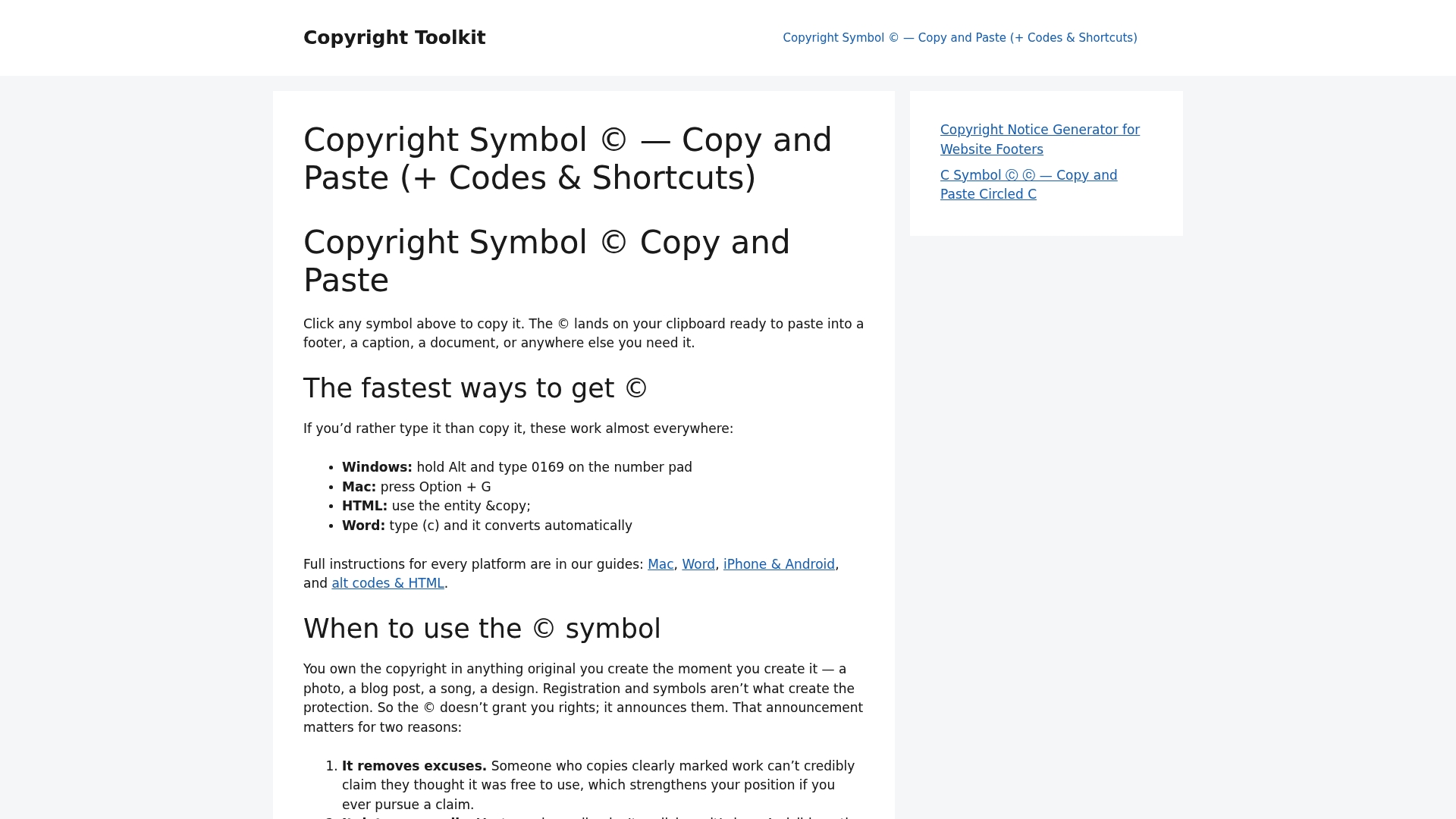
Beyond the plain © symbol, you’ll find dedicated pages for circled C variants, registered trademark symbols, and the differences between copyright and patent protection for creators who need to mark more than one type of work. Each page pairs the symbol itself with the keyboard shortcuts for Windows, macOS, and mobile, so you’re not bouncing between five browser tabs mid-project.
If you’re setting up a footer, a book copyright page, or a licensing notice right now, start at Copyrighttoolkit’s homepage and copy the exact glyph or code you need in one click.
Frequently Asked Questions
What is the HTML code for the copyright symbol?
The named entity © is the standard HTML code. Decimal (©) and hex (©) references produce the identical symbol.
Is © the same as ©?
Yes. Both resolve to Unicode code point U+00A9 and render as © in every modern browser, regardless of which form you use in your source.
Why does my copyright symbol show up as garbled text?
That’s typically mojibake caused by a charset mismatch, often a page saved or served in Windows-1252 instead of UTF-8. Check your meta charset tag and HTTP headers first.
Do I legally need to include © on my website?
No. Under the Berne Convention, most countries no longer require a formal copyright notice for protection to apply. Including © is still a widely recommended practice for signaling ownership and aiding licensing inquiries.
Can I just type the © character instead of using an entity?
Yes, as long as your file is saved and served as UTF-8 consistently. If you’re unsure about the encoding chain, a numeric reference like © is the safer bet.
Sources
For deeper dives beyond this guide, these sources cover the standards and legal context behind everything above.
- U+00A9 COPYRIGHT SIGN – Unicode – Codepoints
- Copyright notice — Cornell Law School Legal Information Institute
- Named character references — WHATWG HTML Living Standard